

Aplikacja mobilna mTAX FREE PL
1. Opis aplikacji
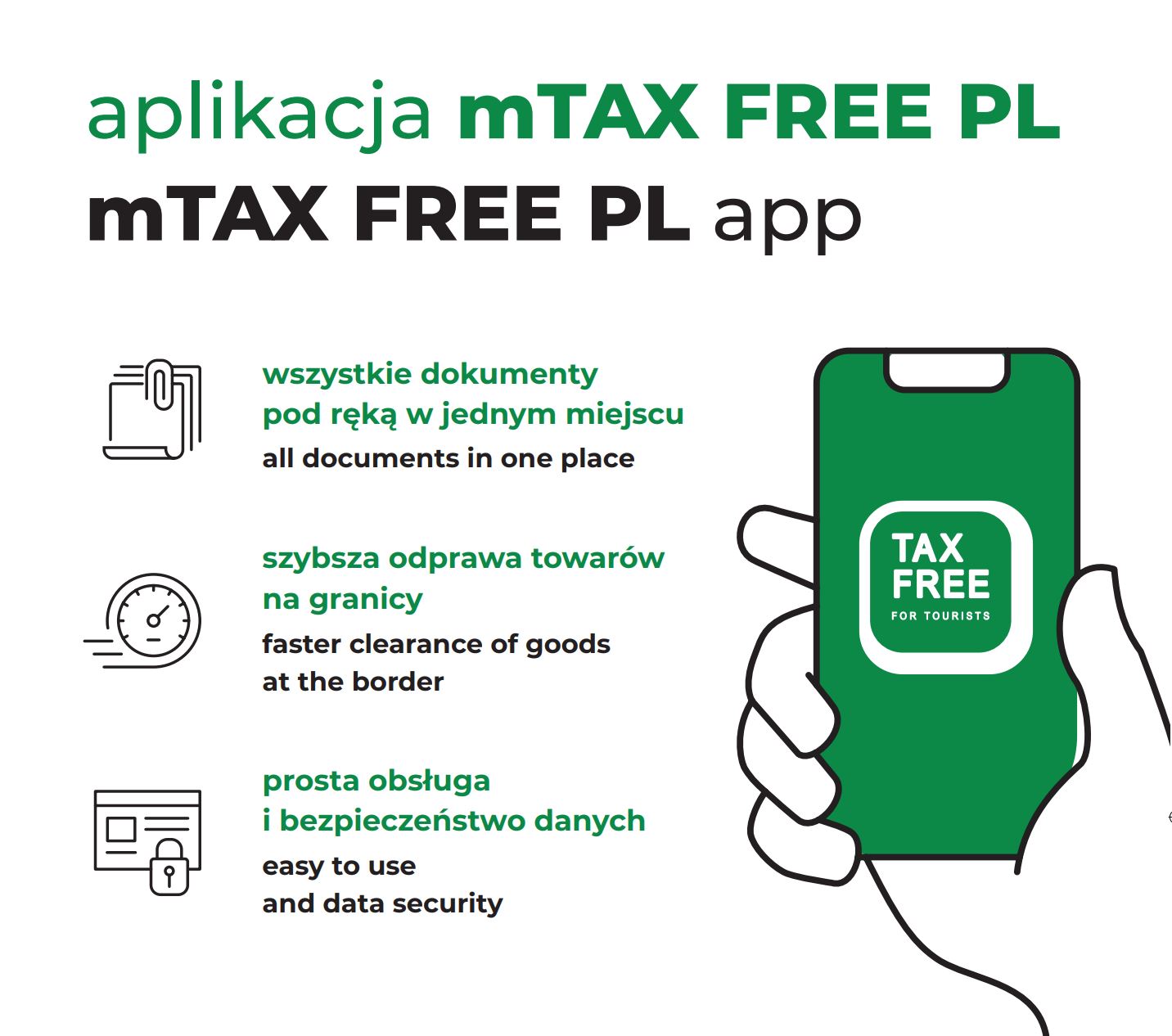
Plakat promujący aplikację mobilną mTAX FREE.
Aplikacja dostępna jest na urządzenia mobilne z systemami operacyjnymi:
- iOS,
- Android.
Aplikacja mobilna dostępna jest w językach:
- polskim,
- angielskim.
2. Konfiguracja wstępna
Przed rozpoczęciem korzystania z aplikacji dodaj własne dokumenty tożsamości w zakładce "Moje dane" (fot. 1).
Jeżeli nie skorzystasz z tej opcji, Twoje dane osobowe uzupełnią się automatycznie podczas dodawania pierwszego dokumentu TAX FREE.
Aby skorzystać w pełni z funkcjonalności aplikacji, jednorazowo potwierdź swoje dokumenty tożsamości przy odprawie towarów w procedurze TAX FREE na granicy. Autoryzacji dokonuje funkcjonariusz Służby Celno-Skarbowej podczas odprawy, na prośbę podróżnego.
3. Dodaj swój dokument TAX FREE
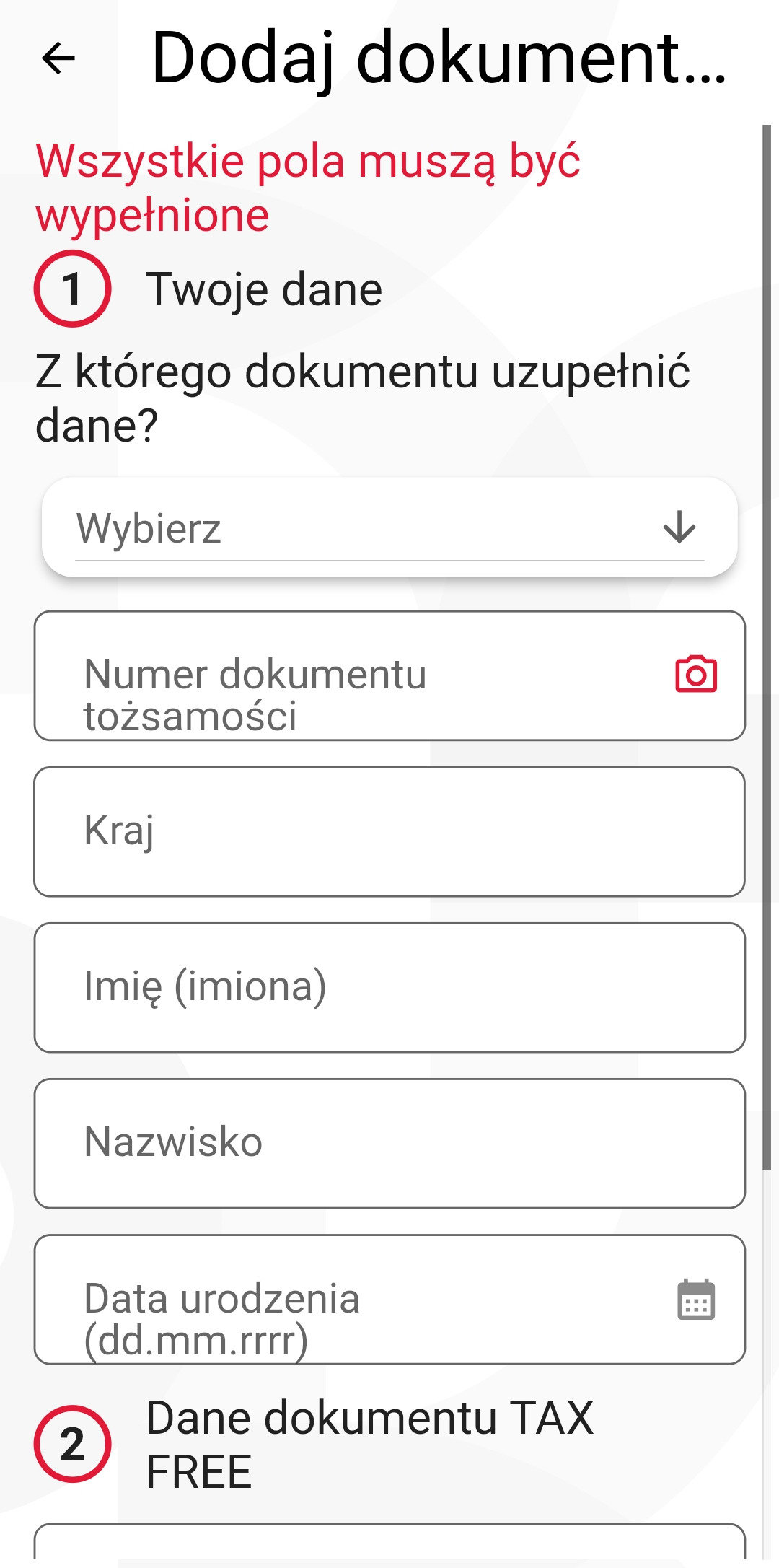
Fot. 2. Ekran dodaj dokument TAX FREE.
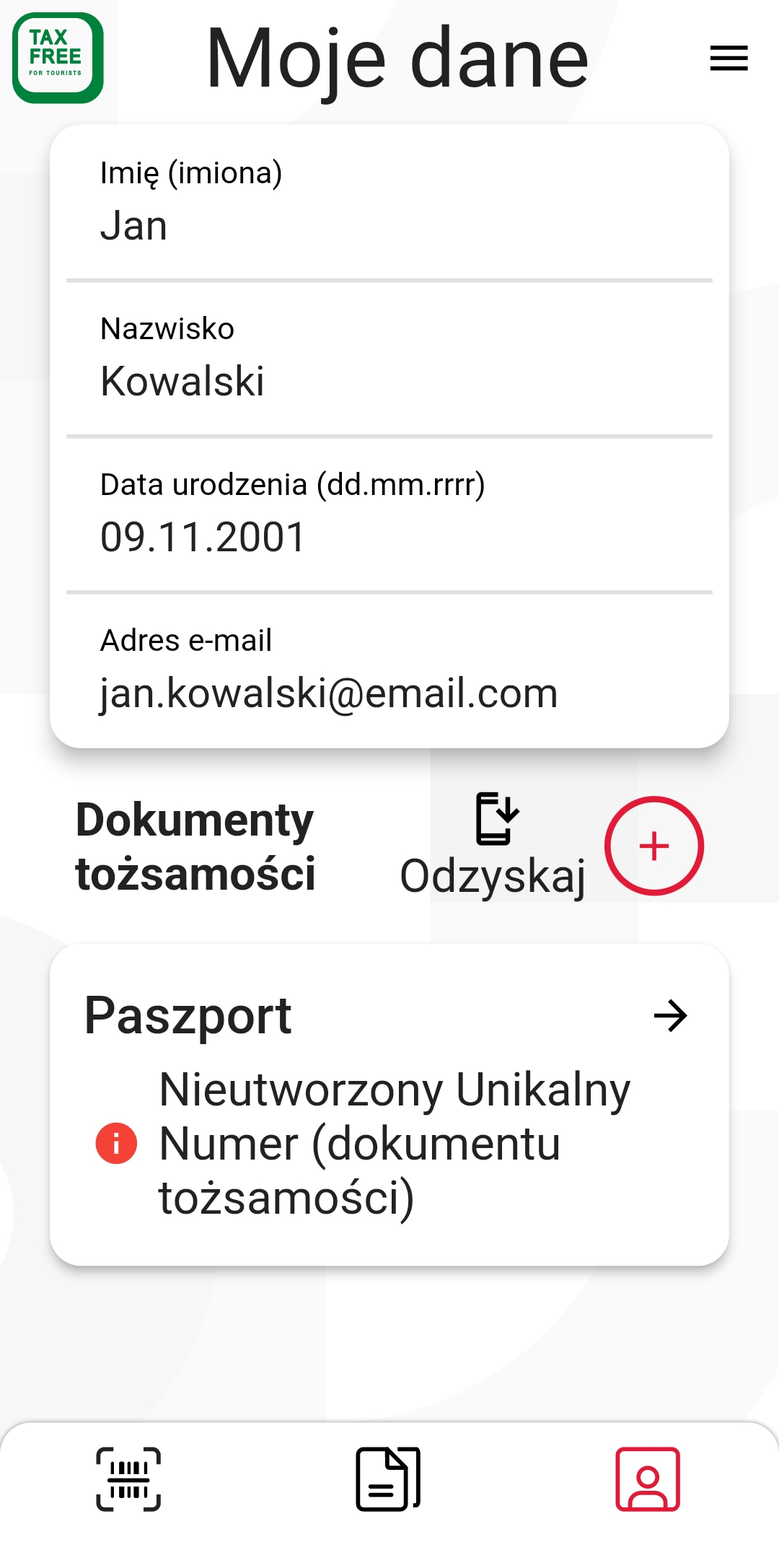
Fot. 1. Ekran dokumenty tożsamości.
Gdy uzupełniłeś wcześniej informacje o dokumencie tożsamości, możesz swoje dane pobrać z ustawień.
Dodaj podstawowe dane z dokumnetu TAX FREE: numer UNS, NIP firmy oraz datę sprzedaży. Gdy wszystkie dane będą zgodne z dokumentem TAX FREE, uzyskasz dostęp do szczegółów dokumentu i jego statusu.
4. Przeglądaj swoje dokumenty TAX FREE
Przeglądaj swoje dokumenty TAX FREE w zakładce "Moje TAX FREE wszystkie" (fot. 3).
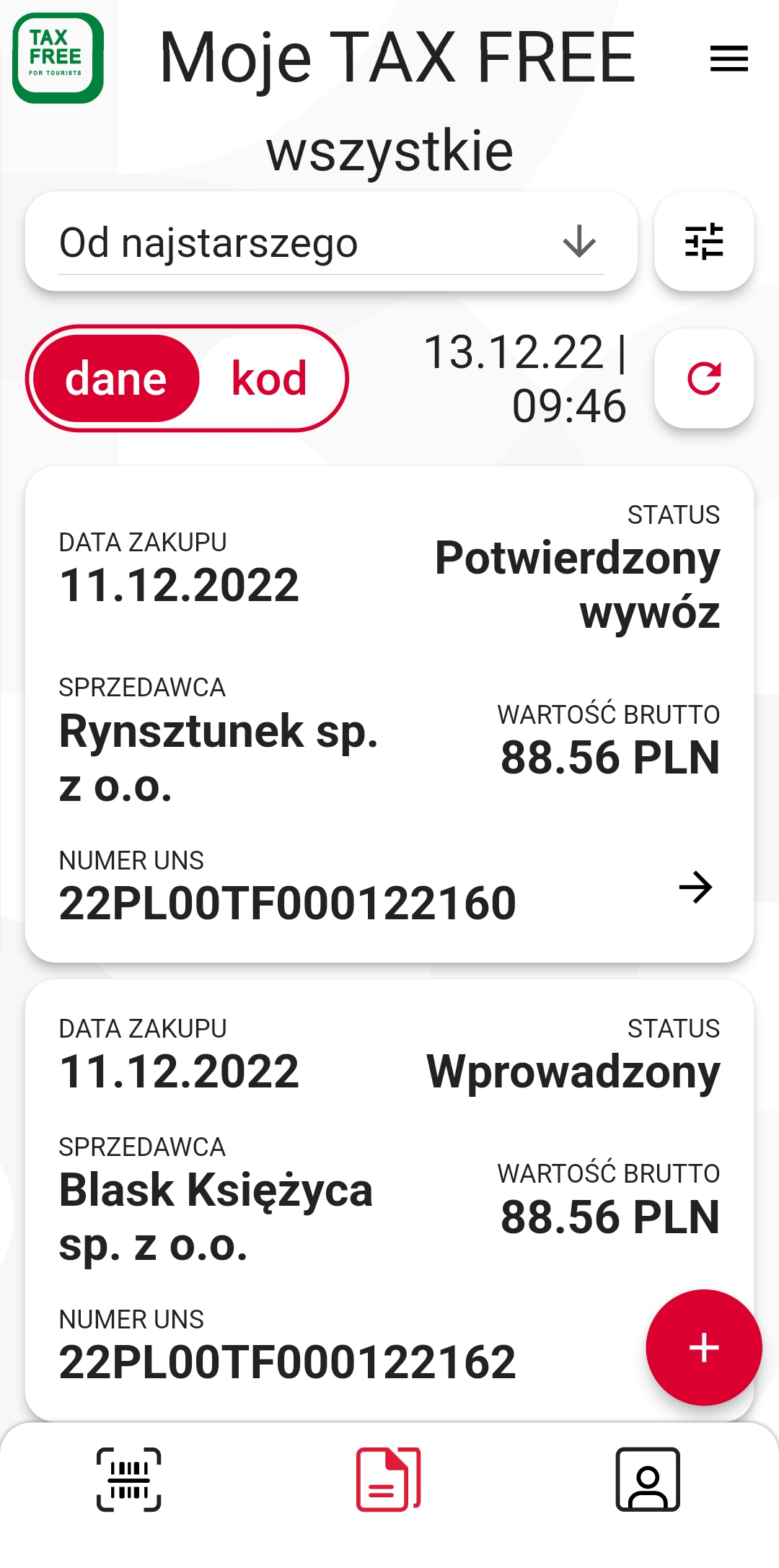
Fot. 3. Ekran moje dokumenty TAX FREE.
5. Przedstaw swoje dokumenty TAX FREE na granicy
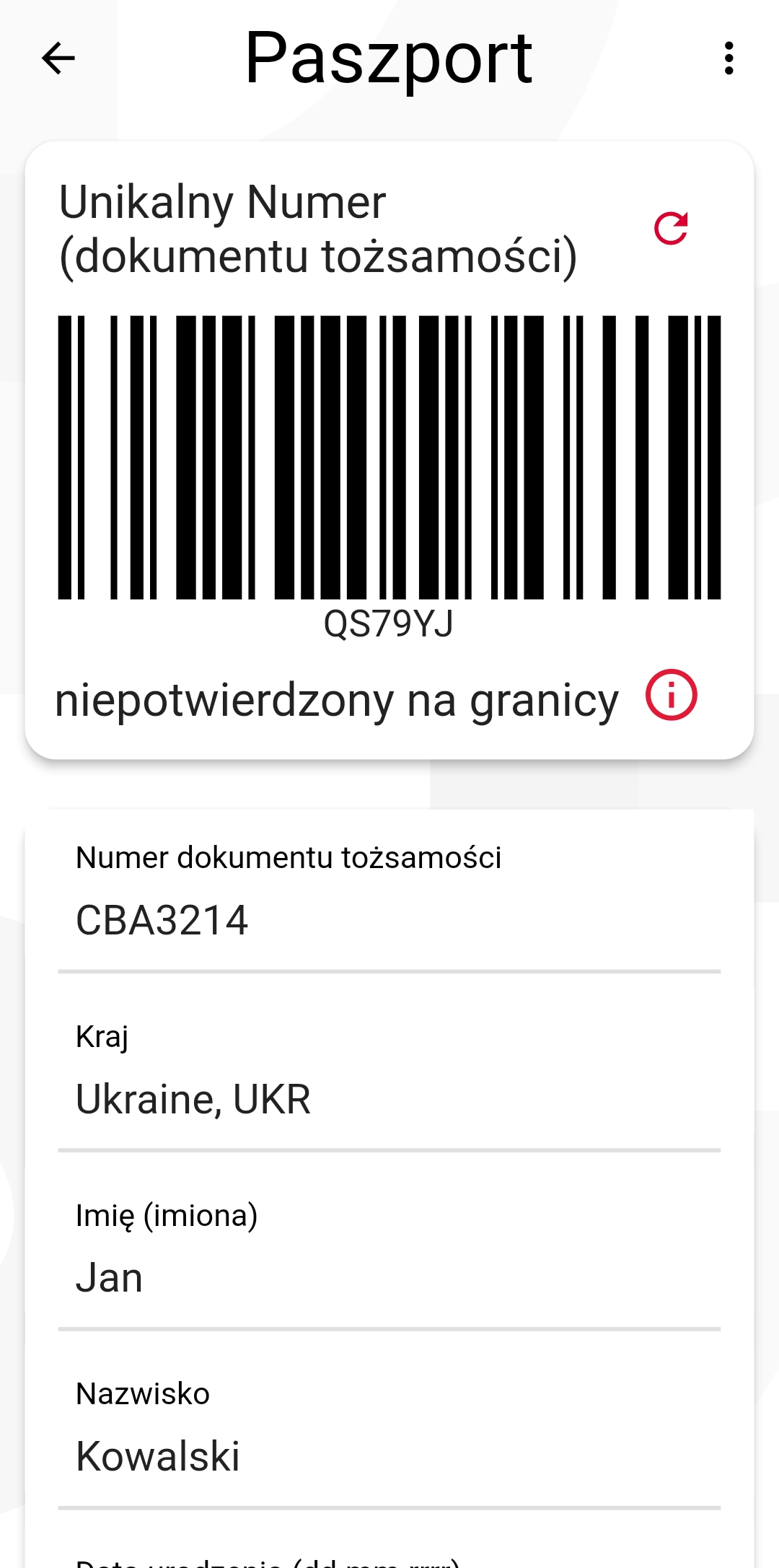
Fot. 5. Ekran moje dokumenty tożsamości.
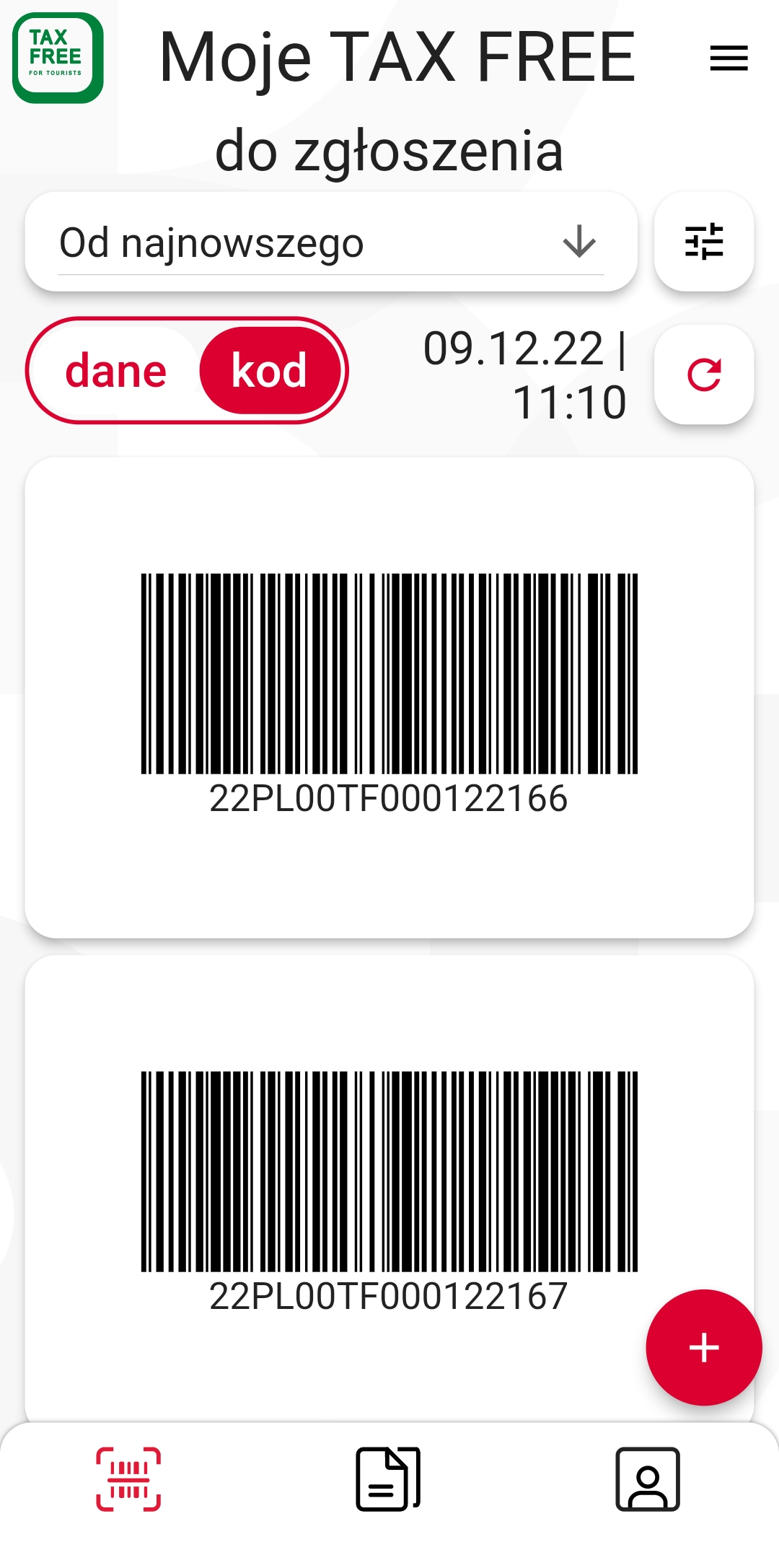
Fot. 4. Ekran moje dokumenty TAX FREE do zgłoszenia.
6. Pobierz aplikację mobilną mTAX FREE PL
Aplikacja mobilna mTAX FREE PL dostępna jest bezpłatnie w App Store, Google Play .


7. Deklaracja dostępności aplikacji mobilnej mTAX FREE PL
Deklaracja dostępności - Android

- View from the cameras
- Links to Directorate of National Highways and Motorways websites and foreign services
- Deklaracja dostępności strony granica.gov.pl i aplikacji mobilnych
- Informacja o zakresie działalności urzędu
- SOCIAL MEDIA KAS


